Fonts
Built-in fonts and custom fonts for use with the Canvas API
When your application is using canvas rendering mode, nx.js offers a set of built-in fonts which are available for use in your application. You may also load custom fonts from font files.
Built-in fonts
nx.js comes with a set of built-in fonts which are available for use in your application.
| Font | Description |
|---|---|
"system-ui" | The default font which is used by the Switch operating system. |
"system-icons" | A font which contains the icons used by the Switch operating system. |
system-ui
The default font which is used by the Switch operating system.
The Canvas API's default font sans-serif is also an alias for this font.
const ctx = screen.getContext('2d');
ctx.font = '48px system-ui';
ctx.fillStyle = 'violet';
ctx.fillText('This is the "system-ui" font', 300, 300);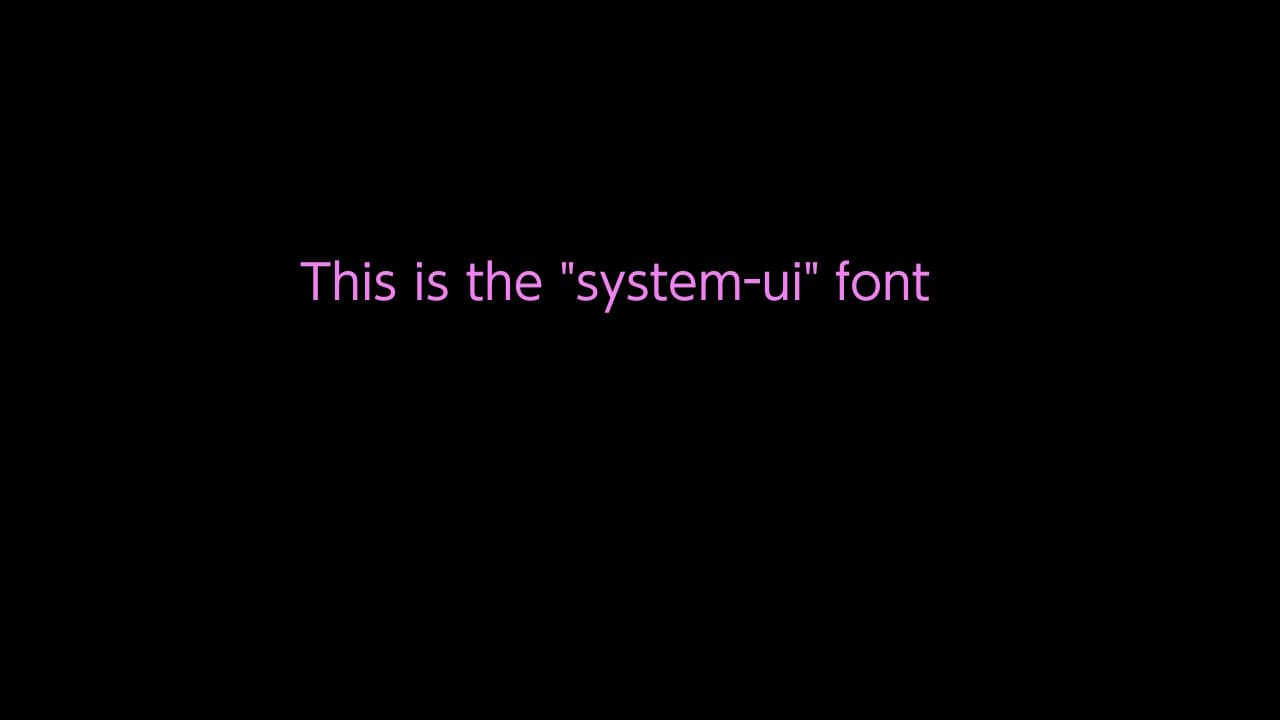

system-icons
The "system-icons" font contains icons used by the Switch operating system.
When using this font, you will need to reference the correct unicode codepoint for the icon
when invoking the fillText() function to render the icon glyphs.
const ctx = screen.getContext('2d');
ctx.font = '200px system-icons';
ctx.fillStyle = 'cyan';
ctx.fillText('\uE122', 250, 300);
Custom fonts
It is possible to load your own font files into an nx.js application, which involves a few steps:
- Create a
FontFaceinstance - Register the font with the
FontFaceSetregistry - Use the font with the Canvas API
Loading a font
To load a font, you'll need to create an instance of the
FontFace class,
by providing the name of the font and the font data as an ArrayBuffer:
// Load the font data into a `FontFace` instance
const fontData = await Switch.readFile('romfs:/fonts/Arial.ttf');
const font = new FontFace('Arial', fontData);
The FreeType 2 library is used to renders fonts,
so any font file format which is supported by FreeType 2 (typically .ttf
or .otf) will work with nx.js.
Registering a font
Once you've loaded a font, you'll need to register it with the
FontFaceSet registry.
The fonts global is available for this purpose,
similar to how you would register a font in a "web worker" context.
// Add the font to the global `fonts` registry
fonts.add(font);
The fonts registry is a global object that contains all the fonts that have been
loaded into the application. You can use this registry to render text to the screen
using the Canvas API.
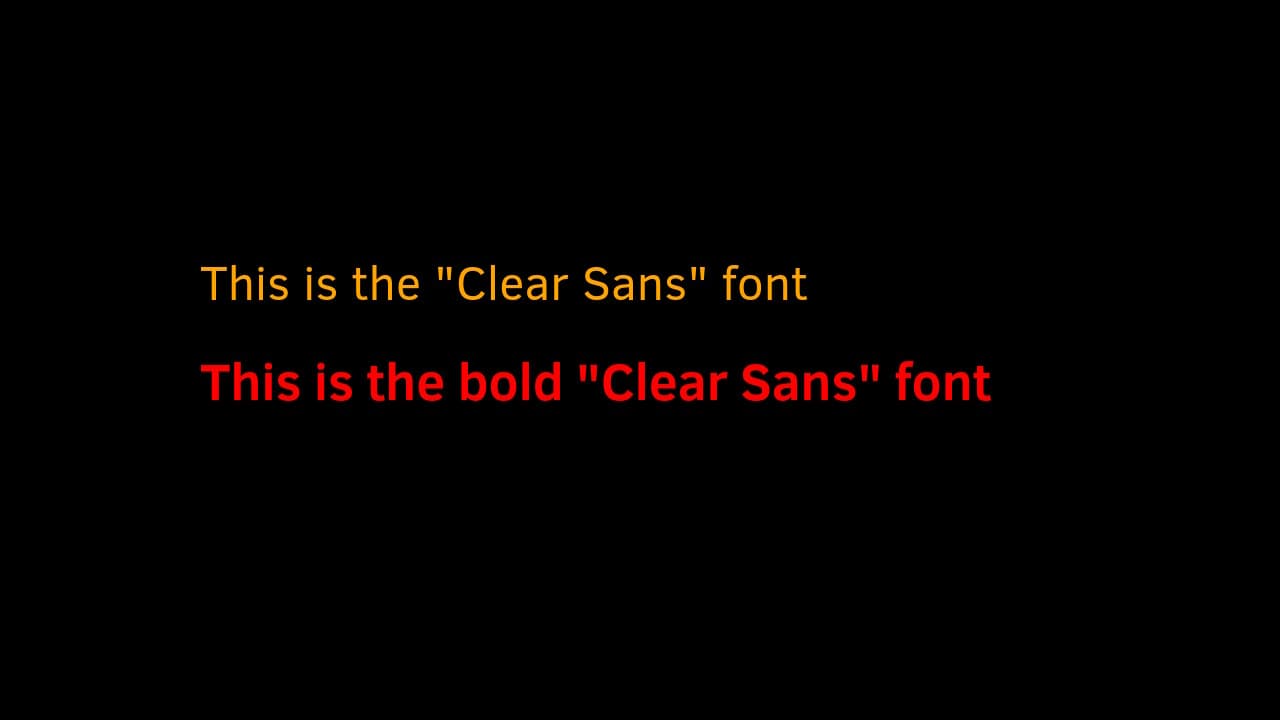
Example
const ctx = screen.getContext('2d');

// Load regular Clear Sans font
const fontData = await Switch.readFile('romfs:/ClearSans-Regular.ttf');
const font = new FontFace('Clear Sans', fontData);
fonts.add(font);

// Load bold Clear Sans font
const boldFontData = await Switch.readFile('romfs:/ClearSans-Bold.ttf');
const boldFont = new FontFace('Clear Sans', boldFontData, { weight: 'bold' });
fonts.add(boldFont);

// Render to the screen using the Canvas API by setting the "font" property
ctx.font = '48px "Clear Sans"';
ctx.fillStyle = 'orange';
ctx.fillText('This is the "Clear Sans" font', 200, 300);

ctx.font = 'bold 52px "Clear Sans"';
ctx.fillStyle = 'red';
ctx.fillText('This is the bold "Clear Sans" font', 200, 400);